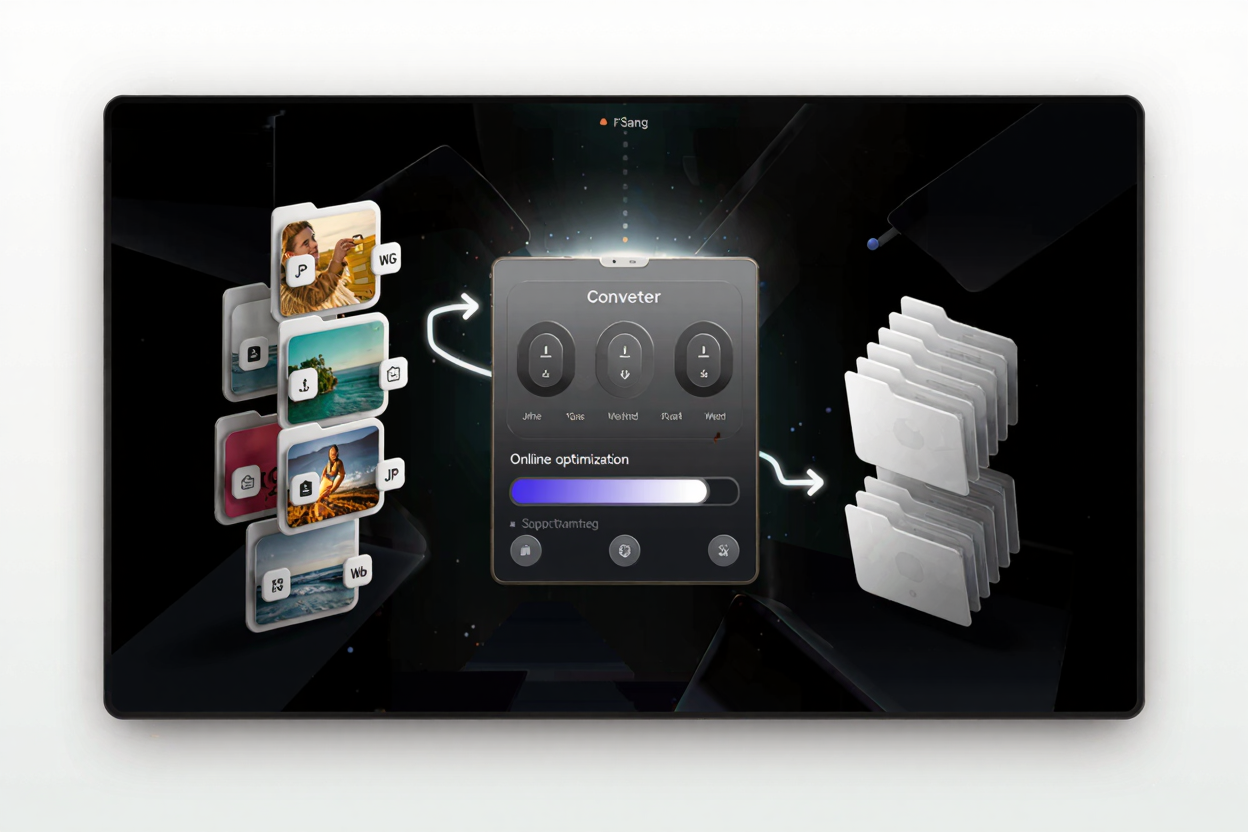
How to Bulk Resize Images Without Losing Quality
Learn to bulk resize images efficiently for web and storage without compromising quality. Discover best practices and use ConvertMinify for optimal results.
Resizing images is a common task for web designers, photographers, and anyone managing digital content. While individual image resizing might seem straightforward, the challenge amplifies when you need to process dozens or even hundreds of images at once without sacrificing their visual integrity. The key is to understand the balance between file size reduction and maintaining sharp, clear visuals, especially when preparing images for websites, presentations, or archiving.
Why Bulk Image Resizing Matters
Efficient image management is crucial in today's digital landscape. Large image files can significantly slow down website loading times, impacting user experience and search engine rankings. For e-commerce sites, portfolios, or blogs, slow load times can lead to higher bounce rates and lost engagement. Bulk resizing allows you to optimize an entire collection of images quickly, ensuring they are web-ready and storage-friendly.
Beyond web performance, appropriately sized images save valuable disk space on your devices and cloud storage. It also streamlines workflows for content creators who frequently deal with numerous visuals. Imagine needing to upload hundreds of product photos; manually resizing each one is a time-consuming and inefficient process.
The Challenge: Resizing Without Quality Loss
The biggest hurdle in image resizing is often perceived quality loss. Many basic resizing tools simply discard pixels, leading to pixelation, blurriness, or jagged edges, especially when images are scaled down significantly. This degradation is more pronounced if the original image isn't high resolution or if an aggressive compression algorithm is applied during the resizing process.
True quality preservation isn't just about making an image smaller; it's about intelligent pixel re-sampling and maintaining critical image data. Understanding the difference between resizing (changing dimensions) and compression (reducing file size while trying to keep dimensions) is vital. Often, these two processes are intertwined, and using the right tools ensures both are handled optimally.
Key Principles for Quality-Preserving Resizing
To resize images in bulk without noticeable quality degradation, several principles should guide your approach:
Choose the Right Image Format
Different image formats handle compression and transparency differently. JPEG is excellent for photographs with many colors and gradients, offering good compression with minimal perceptual loss. PNG is better for images with sharp lines, text, or transparency, as it uses lossless compression. For web use, WebP often provides superior compression over JPEG and PNG while maintaining high quality. Selecting the appropriate format based on your image content is the first step.
Understand Resolution vs. Dimensions
Resolution refers to the total number of pixels in an image (e.g., 1920x1080 pixels). Dimensions refer to the width and height. When you resize, you're changing the dimensions, which inherently changes the resolution. The goal is to reduce dimensions to the target size without losing the perceived quality. Avoid upscaling small images, as this always leads to pixelation.
Utilize Intelligent Interpolation Methods
When an image is resized, new pixels are calculated or existing ones are averaged. This process is called interpolation. Advanced tools use sophisticated algorithms like bicubic or Lanczos interpolation, which produce smoother, sharper results compared to simpler methods like nearest-neighbor interpolation. These methods intelligently analyze surrounding pixels to create a more accurate representation of the image at its new size.
Use Specialized Tools
Generic photo editors might offer resizing features, but dedicated image optimization tools are designed to handle bulk processes with a focus on quality. They often incorporate advanced algorithms and offer batch processing capabilities that save immense time and effort.
How ConvertMinify Solves the Problem
ConvertMinify provides an intuitive and powerful solution for bulk resizing images without quality loss. Our free image converter simplifies the entire process, making it accessible even for those without technical expertise.
Here’s how easy it is:
- Upload Your Images: Simply drag and drop multiple image files (JPEG, PNG, WebP, etc.) directly onto the ConvertMinify interface. You can upload dozens or hundreds of files simultaneously.
- Set Your Desired Dimensions: Input your target width or height, and the tool will automatically maintain the aspect ratio to prevent distortion. You can also choose from common presets.
- Adjust Quality Settings (Optional): For formats like JPEG, you can fine-tune the quality slider. ConvertMinify's smart algorithms ensure that even at lower file sizes, the visual quality remains remarkably high.
- Convert and Download: With a single click, ConvertMinify processes all your images, applying the resizing and optimization. You can then download your optimized images as a single ZIP file, ready for use.
By using our platform, you can quickly convert images online and achieve significant file size reductions while preserving the crispness and clarity of your visuals. It’s designed to be fast, efficient, and user-friendly, ensuring your images look great everywhere.
Advanced Tips for Image Optimization
Beyond just resizing, consider these tips for a fully optimized image workflow:
Batch Processing Considerations
When processing large batches, ensure your internet connection is stable. If you have extremely large files, it might be beneficial to process them in smaller batches, although ConvertMinify is built to handle substantial uploads efficiently.
Pre-size for Specific Platforms
Before uploading, know the recommended image dimensions for your target platforms (e.g., social media banners, blog post thumbnails, e-commerce product images). Resizing images to these exact specifications beforehand prevents platforms from re-compressing them, which can often lead to unexpected quality drops.
Consistent File Naming
Adopt a consistent naming convention for your resized images. This makes organization and future retrieval much easier, especially when dealing with hundreds or thousands of files.
Optimize Other Documents Too
While focusing on images, remember that other digital assets, like PDFs, can also benefit from optimization. Large PDF files can also slow down sharing and website performance. Consider using a dedicated tool like PDF Compressor to reduce their size without compromising readability.
Common Pitfalls to Avoid
Even with the best tools, certain practices can undermine your efforts:
- Over-compressing: While reducing file size is good, setting the quality too low can result in noticeable artifacts or blurriness. Always strike a balance.
- Upscaling Small Images: Never try to make a small, low-resolution image larger. It will invariably lead to pixelation and a poor visual outcome. Always work from the highest resolution original you have.
- Ignoring Aspect Ratios: Forcing an image into new dimensions without maintaining its aspect ratio will distort the image, making people or objects appear stretched or squashed. ConvertMinify automatically maintains aspect ratio unless explicitly overridden.
FAQ
Q: What's the best image format for web use?
A: For general photographs, JPEG is widely used. For images with transparency or sharp graphics, PNG is better. However, WebP is increasingly becoming the preferred format as it offers superior compression and quality for both photographic and graphic images.
Q: Can I reverse image resizing if I make a mistake?
A: Once an image is resized and saved, especially if quality compression was applied, the original pixel data is usually lost. It's always best to keep a copy of your original high-resolution images before performing any bulk resizing operations.
Q: Does image resizing affect SEO?
A: Yes, indirectly. Properly sized and optimized images lead to faster website loading times, which is a significant factor in search engine rankings. Smaller file sizes also conserve bandwidth, improving user experience, another SEO benefit.
Ready to optimize your image workflow and ensure your visuals always look their best? Experience the power and simplicity of our free image converter today. Start bulk resizing your images without quality loss and enhance your digital presence instantly.